
Website Font Pairing: 5 Pairs and a Better Test
Try five website font pairing recipes, then test optical size, role contrast, real copy and fallback behavior instead of trusting a pairing chart alone.

Direct answer
Pair website fonts by giving each family a distinct job and testing them together with real copy. Let the body face carry sustained reading and use the display face for a deliberate contrast in headings. Match apparent scale and rhythm, not just CSS sizes. A single family with clear weight differences is a valid alternative to a pair.
Choose a relationship before choosing two names
A useful website font pairing has a reason for the contrast: expressive headings over quiet prose, robust navigation beside editorial titles, or consistent forms across a dense interface. Decide which voice should lead and which should support. Google Design’s selection guide discusses combining typefaces in the context of project requirements rather than treating a famous combination as automatically suitable.[1]
Describe the relationship in a sentence: “The heading should feel literary while the supporting text remains plain.” That lets you reject a pair with two equally theatrical families, even when both look attractive separately. If you have not selected a dependable reading face yet, choose the website’s primary font first.
Five pairings to audition, with a failure condition for each
Use these as starting combinations, not a ranking. The labels describe the intended roles; the exact family and available files still need the checks below. You can build the audition with generic samples before downloading anything. Keep your own content unchanged between candidates so you can see what the relationship contributes.
An editorial serif heading with a neutral sans body suits a direction that needs a distinctive title and straightforward reading. Try Source Serif with Source Sans. Reject it if the serif’s fine details disappear at the heading’s actual size or if the contrast makes the body seem unrelated.
A geometric sans heading with a humanist sans body creates a different rhythm without using a serif. Try Montserrat with Source Sans. Reject it if the heading becomes too wide for the real title, or if the two families look like accidental near-matches rather than a deliberate contrast.
A display serif heading with a restrained sans body gives short titles a stronger voice. Try DM Serif Display with DM Sans. Reject it when the heading needs long lines, small sizes or a quieter tone than the display design can comfortably provide.
A text serif heading and body, paired with a sans for navigation and metadata, keeps long-form reading together. Try Lora for the editorial text and Inter for interface support. Reject it if labels require constant switching between voices or if the reading and navigation styles compete.
A coordinated serif and sans superfamily makes shared proportions a starting advantage. Try IBM Plex Serif with IBM Plex Sans. Reject it if the result lacks the intended distinction; shared lineage does not remove the need to choose role, weight and spacing carefully.
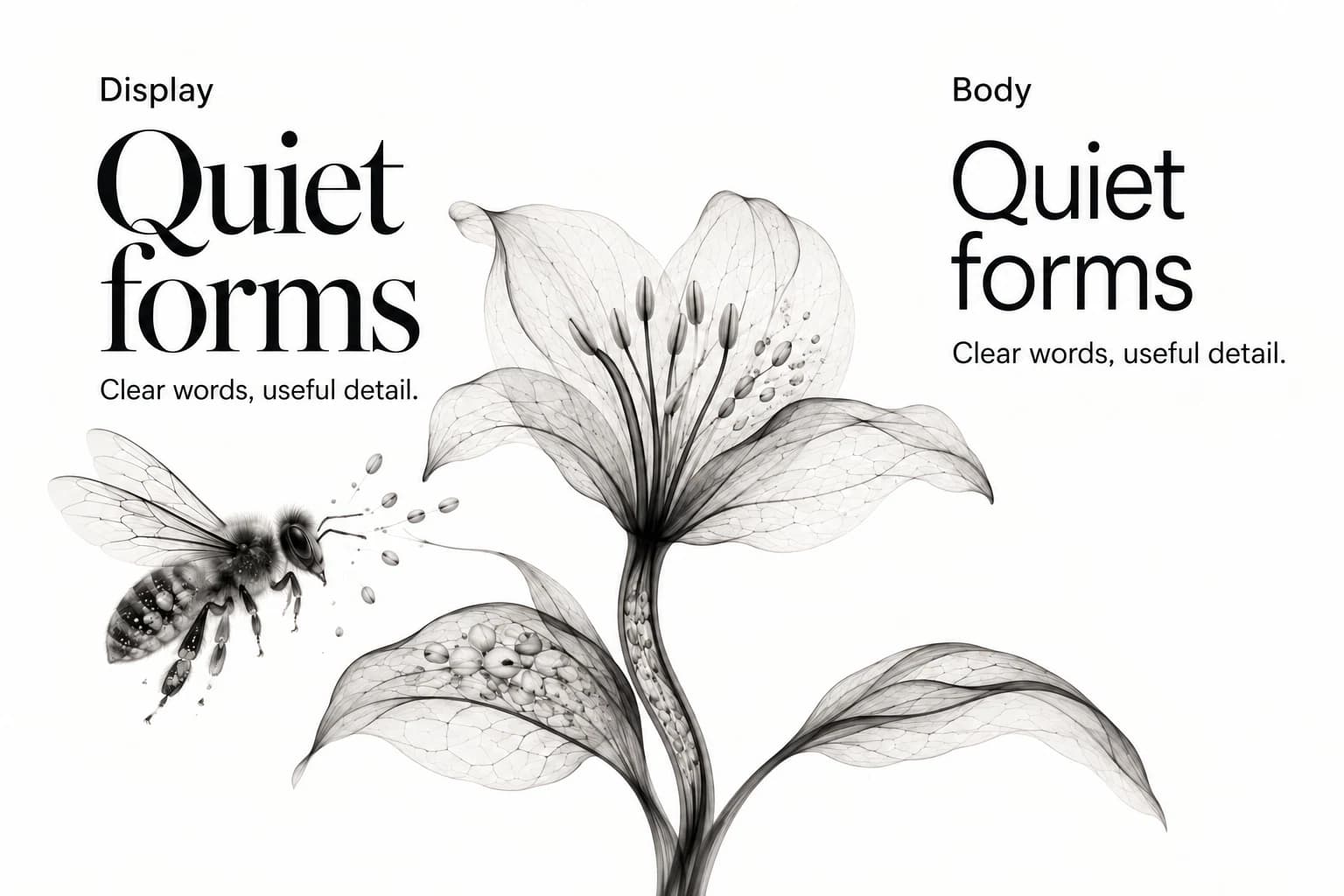
Run the optical-balance test
Set a real heading immediately above a real paragraph. Start with your intended sizes, then look at apparent letter height, stroke density and the gap between blocks. Two families at the same numeric size may have different apparent scales. Adjust the combination until the body feels like a supporting voice rather than a weak afterthought or an aggressive competitor.
Compare four things: whether the heading clearly leads, whether the paragraph starts comfortably, whether the line lengths feel related, and whether punctuation and numerals belong to the same overall direction. Inspect a title with capitals and a mixed-case title. A pairing that works only for a polished two-word specimen is not ready for a content-heavy website.
Keep the comparison visible as Display and Body specimens. The illustrated plate shows the relationship, not the exact rendering of the named fonts. Real text in your browser is the acceptance evidence. A generated illustration cannot validate a font’s shapes, licensing or language coverage.
Use one family when contrast is already doing its job
Try one family before committing to two. A clear difference in weight, scale and spacing can distinguish headings from body text without another voice. This is especially useful for dense interfaces where navigation, labels, numbers and prose need to feel related. The alternative is not “less designed”; it simply puts the variation inside the family.
Create a one-family control alongside the two-family option. If readers can understand the priority equally well and the second family adds no meaningful character, keep the simpler system. If the display face makes the intended direction much clearer without compromising reading, retain it. Describe that reason in the decision record rather than defending the number of fonts.
Stress the pair with content, language and mobile widths
Test the longest title, a title with a number, a quotation, a caption and a navigation label. Put them in a narrow column and increase browser zoom. Check that the visual contrast survives when headings wrap. Avoid repairing every awkward line with manual breaks: those breaks may fail when content, language or width changes.
Verify required characters, weights and italics in both families. A supporting face that lacks the required script can force an unexpected third voice through fallback. Keep the font source and license with the record, and verify the actual files you plan to use. Family names alone are not a complete implementation specification.
Then block the custom font requests and inspect the fallback. web.dev describes font-display as the control for how text renders while a font is unavailable, with consequences for rendering and layout stability. A pair can look balanced after loading yet create a jarring shift before it.[2]
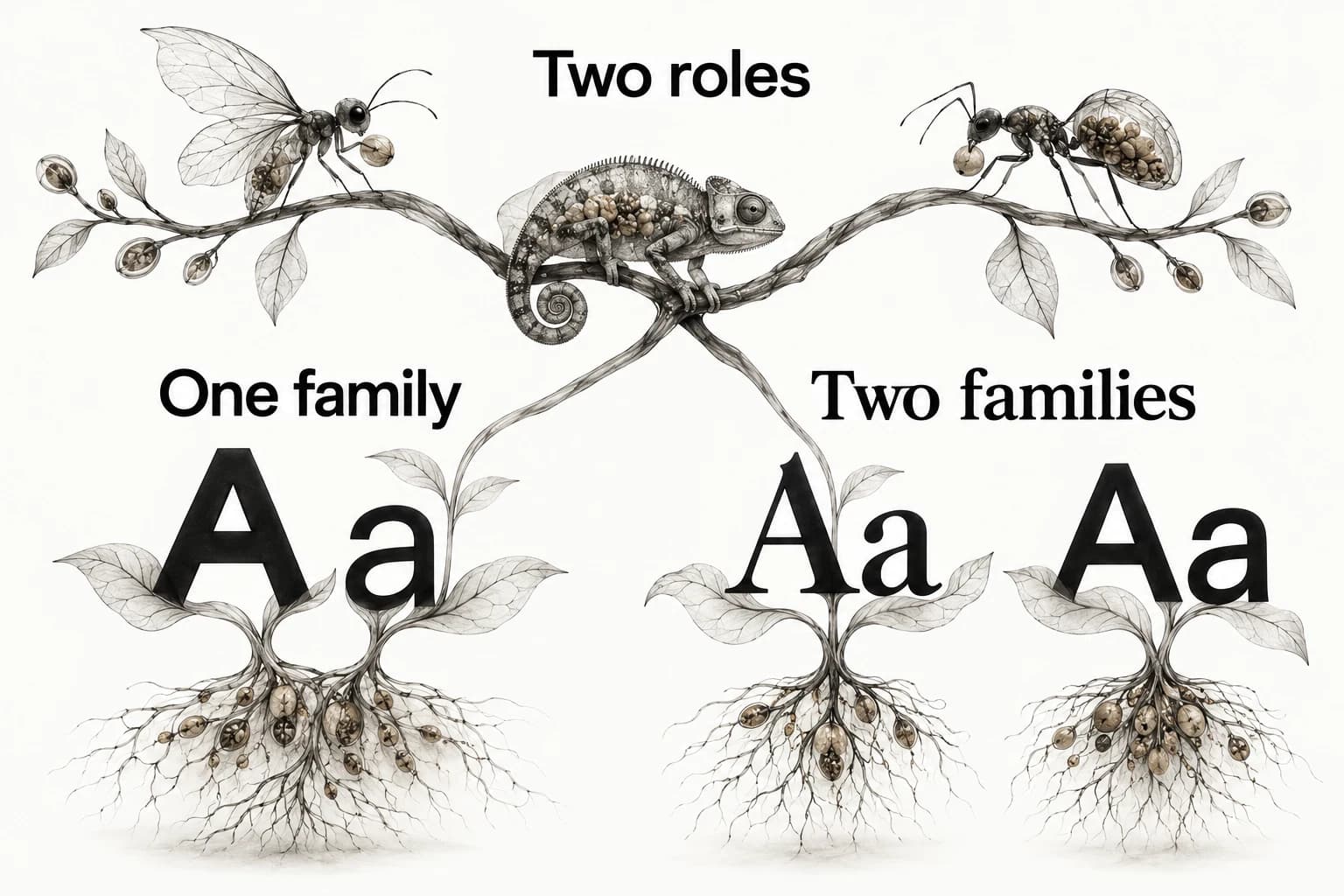
Keep pairing separate from typography hierarchy
Font pairing establishes the relationship between families; hierarchy establishes the relationship between roles. A good pair can still produce a flat page if every block has the same emphasis. A single family can produce a strong hierarchy when heading, body and metadata roles are distinct. Review both decisions without asking one to solve the other.
Use the typography hierarchy guide to set role sizes, spacing and semantic headings. For whole-page competition between image, headline and action, use website visual hierarchy. That separation makes revisions smaller: you may need to quiet a photograph rather than replace the typefaces.
Record a pair that can survive the next page
Save the family names, exact roles, approved weights, source URLs, fallback choices and the test content. Include one accepted sample and one rejected comparison with a short reason. Add a limit such as “display face only for short headings” so future editors do not use it for every label and paragraph.
Keep the reference that prompted the combination and your own browser specimen together. Explore Sesavu for the current public reference surface and check the product documentation before choosing a saving workflow. The pairing record remains useful in any document or shared folder.
Questions designers ask
Can I pair two sans-serif fonts?
Yes, when their roles and forms differ clearly enough to look intentional. Test a strong display voice against a quieter reading face; if the contrast is too slight, one family with different weights may be clearer.
Do the heading and body need different fonts?
No. Use separate families only when each contributes a distinct role. A versatile family with appropriate weights and spacing can support both headings and body text.
Sources checked
- Choosing Web Fonts: A Beginner’s Guide — Google Design
- Best practices for fonts — web.dev
- Sesavu documentation — Sesavu