
Website Visual Hierarchy: Make the Right Thing Stand Out
Fix website visual hierarchy with a clear page priority, an emphasis budget and scan, keyboard and mobile checks. Includes a service-page example.

Direct answer
Create website visual hierarchy by deciding what a visitor needs to understand first, then using contrast, scale, grouping and position to express that order. Give the primary task the clearest emphasis and make supporting information easy to find. Check the result on a real page: the order you intended is a proposal until you observe how people understand and use it.
Write the page’s priority order in plain language
Start with the question the page needs to answer. For a repair service, the order may be: is this the service I need, does it cover my area, what happens next, and how do I book? Write that order before editing the composition. A visually dominant testimonial or decorative image may be attractive while answering none of those early questions.
Nielsen Norman Group defines visual hierarchy through the intended order of importance and describes contrast, scale and grouping as key mechanisms. The word intended matters: design establishes a proposed emphasis. It does not guarantee that every person will look at the same thing or follow the same path.[1]
W3C’s Use of Color criterion says color is not the only visual means used to convey information, indicate an action, prompt a response or distinguish a visual element. Keep that requirement in view when using an accent to establish priority.[3]
Give the page an emphasis budget
Use an emphasis budget as a practical editing method: choose one leading element in each local group, identify its supporting information and quiet the rest without making it unreadable. Contrast is relative. A dark action on a quiet field can lead; the same action amid several dark banners may disappear into competition.
List the elements currently asking for attention: large title, saturated image, announcement bar, action, review badge and animated detail. Keep only the emphasis that helps the task at that point in the page. If a secondary item needs to remain prominent for a real reason, revise the priority order instead of pretending that two unrelated things can both be the single next step.
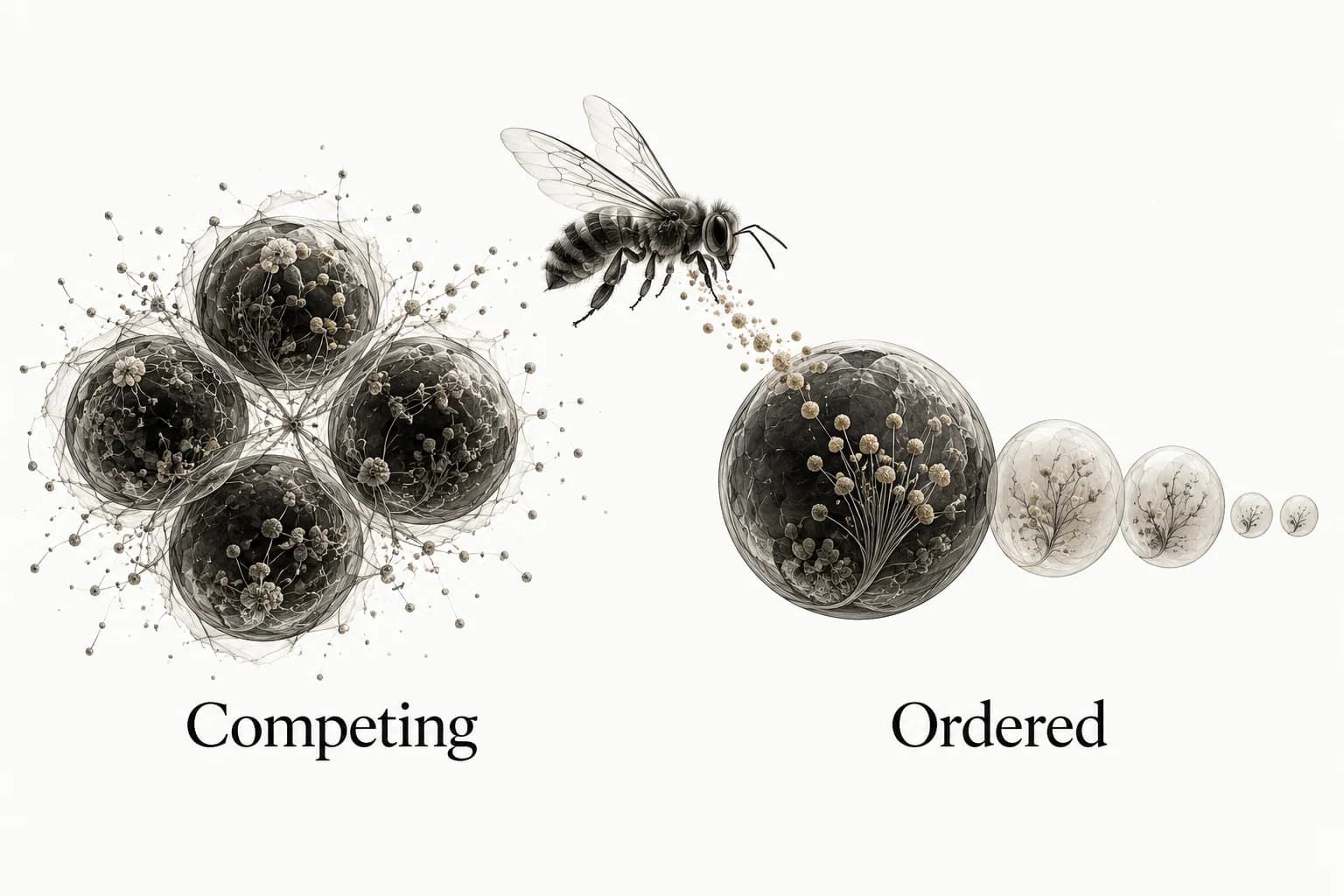
The Competing and Ordered illustration shows the relationship using simple forms. It does not claim that bigger is always better. The practical question is whether the strongest treatment belongs to the information the person needs now, and whether the supporting material remains reachable when they want it.
A service page, reordered around the next decision
Suppose a service page opens with a large atmospheric photograph, a vague heading such as “Care for what matters”, several badges and two equal actions. The visitor still cannot tell what is repaired or where the business operates. The problem is not a shortage of visual polish; the most visible content has not answered the first decision.
Try this sequence: a specific service name; a short explanation of coverage; the next step and what it involves; then the evidence that supports choosing the service. Keep the image if it shows the work or sets an appropriate tone, but reduce its competition with the explanation. Use a quieter secondary path for someone who needs more detail before booking.
Compare the revision to the original using the same copy and task. Ask a person to describe the offer and the next step without a presenter explaining it. Record their answer and any confusion. That is a bounded comprehension observation, not a conversion result or proof that the whole page is usable.
Use grouping to explain what belongs together
Put a label close to the content it describes and separate unrelated groups. Align related text, controls and supporting detail so the relationship is visible before someone reads every word. Add a boundary only when spacing and alignment do not make the grouping clear. A card around every sentence can create more competing shapes without clarifying the information.
NN/g describes proximity and common regions as grouping mechanisms and uses a squint or blur test to reveal the broad structure. Use that test to inspect which areas dominate and which groups merge. It cannot tell you whether the copy is understood, a control is accessible or the proposed information order is correct.[1]
Test a dense section as well as the hero. A price, its billing basis and an important qualification should read as one unit. A distant footnote may be present on the page while failing to explain the claim at the moment the person encounters it. Hierarchy is partly about keeping necessary context attached to the thing it qualifies.
Make type and color support the content order
Use clear text roles rather than making every sentence larger or bolder. A title identifies the page, a section heading introduces a question and body text answers it. Website typography hierarchy covers those relationships. A second family is optional; a consistent scale and spacing system may be the missing structure.
Do not make supporting information unreadable just to create contrast with the main action. The website color palette guide shows how to assign color roles and test their actual pairs. Quiet does not mean faint, and emphasis should not require someone to distinguish a hue they cannot perceive.
Keep interactive elements recognizable in their normal state and preserve a clear focus treatment. A beautifully restrained page that hides the available actions has not solved hierarchy. The person needs to identify the next step, not discover a secret interaction by moving a pointer over every word.
Run three passes: scan, keyboard and mobile
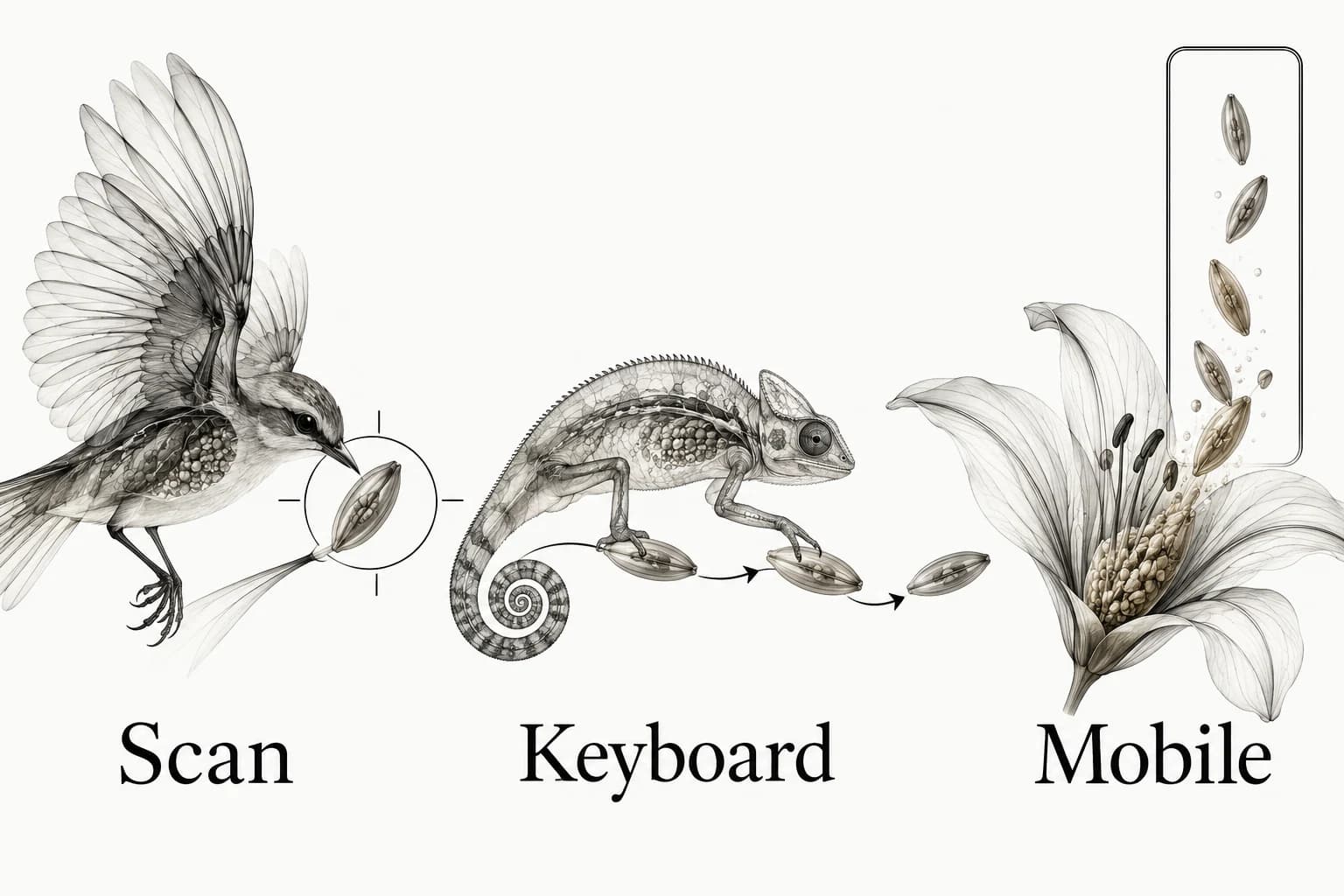
Scan: look at the page without reading every line. Identify the strongest elements and compare them to your written priority order. Then read the actual headings and action labels. If they tell different stories, correct the content or emphasis. A squint test is useful for the first part; it cannot replace reading.
Keyboard: move through the interactive elements and check whether the focus sequence supports the task. Compare that route with the document’s meaningful reading order. Do not repair an odd visual arrangement by inventing a confusing focus sequence. A mismatch may indicate that the layout itself needs to change.
Mobile: inspect the narrow layout with long content and the real image crop. Check what was moved, hidden or placed before the action. The responsive behavior guide explains how to document those changes instead of assuming that a smaller screenshot proves the same experience.
Collect references by the problem they solve
Save a reference because it resolves a priority problem: dense navigation that remains scannable, a service explanation that leads naturally to an action, or supporting proof placed where it answers a concern. Annotate the relationship you want to learn from. A full-page screenshot with a label such as “clean” leaves the next designer to rediscover the reason.
Use a visual reference library to keep those examples and their sources, then test the borrowed principle on your own content. Explore Sesavu for the current public collection surface and check its documentation for present capabilities. The useful unit is the reason behind the reference, whichever tool holds it.
Questions designers ask
What are the key principles of visual hierarchy?
Contrast, scale, grouping and placement help express relative importance. Use them to support a defined content order, then check whether the page communicates the intended task.
What is another word for visual hierarchy?
Related phrases include visual priority and order of emphasis. They describe how a composition makes some information lead and other information support it.
Sources checked
- Visual Hierarchy in UX: Definition — Nielsen Norman Group
- Sesavu documentation — Sesavu
- Understanding Use of Color — W3C