
How to Choose Fonts for a Website That Reads Well
Choose website fonts with a same-copy audition: test reading, language coverage, weights, licensing and fallback behavior before committing to a family.

Direct answer
Choose fonts for a website by testing your real content in the roles it needs to serve. Select a dependable reading family first, check the smallest text and required languages, then add a display face only if it improves the direction. Reject a font that looks impressive in a specimen but fails your copy, licensing or loading requirements.
Start with the reading task, not a list of fashionable fonts
A website font needs to support a task: scanning service options, reading an essay, comparing prices or entering an address. Define that task before browsing families. Google Design’s font-selection guide similarly starts with project scope, amount of text, audience, language and functional requirements. A typeface that suits a short display line may not suit sustained reading.[1]
For a local repair business, the working brief might be: people need to identify the service, read availability and enter contact details on a phone. A flamboyant heading has little value if opening hours and form labels become hard to parse. For a literary magazine, the reading texture and long-form rhythm deserve more attention. These are different tests, even if both sites use the same family.
Run a same-copy audition before choosing a winner
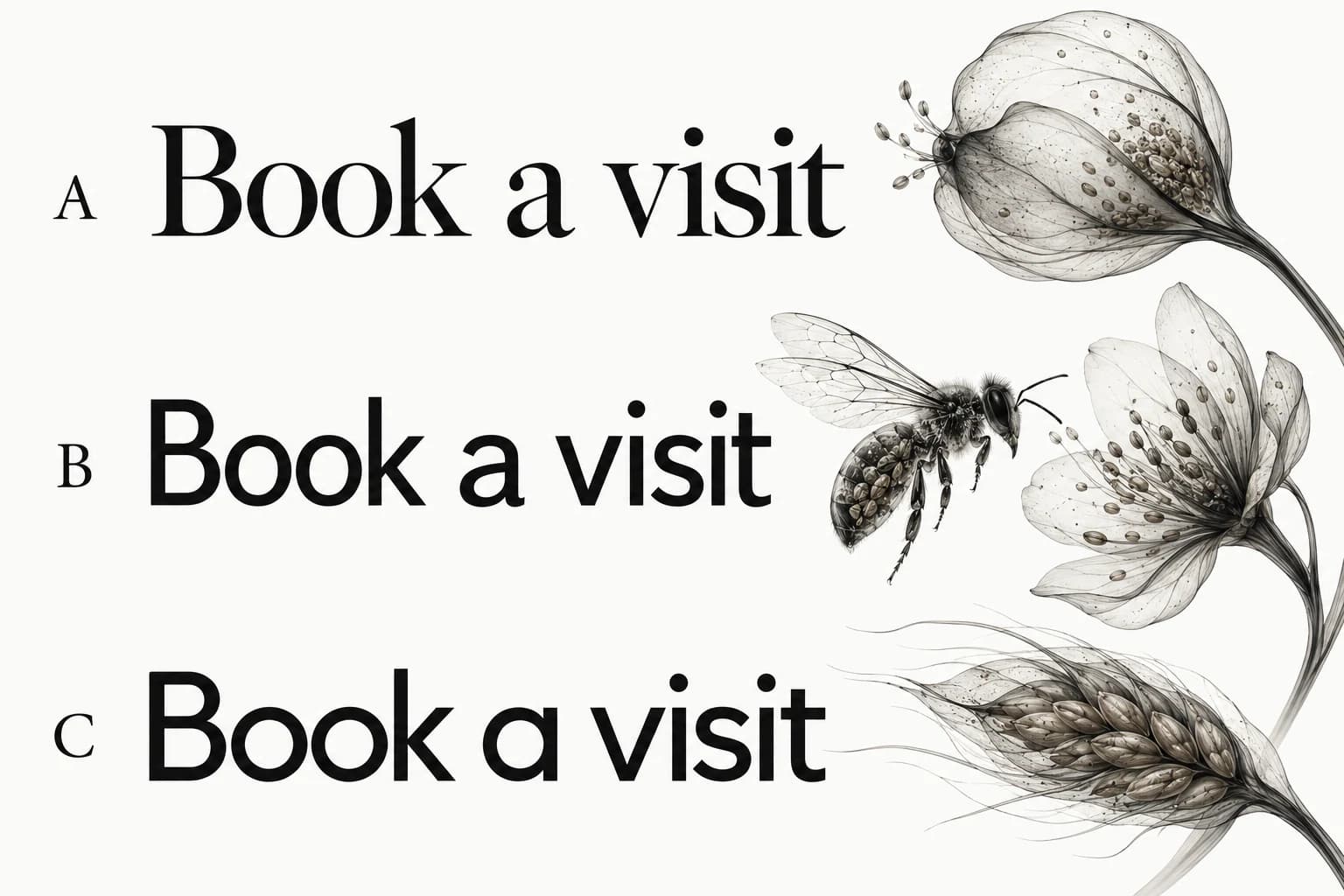
Create one test with actual content and reuse it for every candidate. Include the longest heading, a paragraph, a button label, form text, a price and a string of similar characters such as uppercase I, lowercase l, the digit one, uppercase O and zero. Start at the same CSS size and width so the comparison is controlled, then adjust optical size where a family genuinely needs it. Record the adjustment rather than hiding it.
Use three candidates with different strengths: a neutral sans, a humanist sans and a text serif. The point is not to crown a category. It is to expose which forms support the content and desired tone. Read a complete paragraph, scan the navigation and enter a realistic address. A font specimen tells you what the designer chose to show; this audition shows the parts your page cannot avoid.
Keep a short rejection note for each losing candidate: the long heading wraps awkwardly, the small numerals are unclear, the required script is missing, or the italic is unsuitable for quotations. “Does not feel premium” is too vague to help the next person. A useful rejection names a visible problem and the conditions under which it appeared.
Check small text and awkward content first
Use your smallest intended text as an early rejection gate. Check captions, secondary links and form instructions at normal browser zoom on the devices you intend to support. Look at counters, punctuation, distinguishable characters and whether the available weights remain clear. Do not solve an unreadable caption by making it so faint that it disappears; size, contrast and spacing work together.
Try the longest plausible content rather than a polished short sample. A service name may gain a qualifier; a translated label may grow; a name may contain accents. Google Design highlights language coverage and text quantity as selection factors. Record the actual scripts you need instead of assuming that support for one accented word proves support for a language.[1]
If the page contains comparison tables or prices, inspect its numerals. Try a changing price, a time and a column of figures. The decision is role-specific: tabular figures can help align a price table, while proportional figures may suit ordinary prose. Confirm the candidate provides the forms your implementation needs.
Decide whether you need a second family
Start with one family when its regular, medium, bold and italic styles give the page enough range. Add a second family when there is a specific role for contrast: an editorial display voice above a quieter reading voice, for example. Another font should solve a named problem, not compensate for an unresolved hierarchy.
Before adding it, try changing weight, size, width and spacing inside the first family. If the heading and body already differ clearly, a second family may add loading and maintenance work without improving the page. When two families are justified, the website font pairing guide shows how to test their proportions rather than choosing them from names alone.
Verify rights, files and the state before loading
Confirm that your license covers the intended use, distribution and hosting arrangement. Store the license source with the decision; access through a design tool does not establish every right needed for a deployed website. Check which files and weights the implementation will request, and whether the font supplies the scripts you identified. Do this before a client approves a direction that cannot be shipped.
A font’s loading behavior affects what people see before the preferred family is available. web.dev explains that font-display controls this behavior and that its choice can affect rendering and layout stability. Test your selected fallback with the real heading and action labels; different metrics can change wrapping and move nearby content.[2]
For the repair-business example, compare the booking headline before and after the custom font arrives. If it grows from two lines to three and pushes the action away, adjust the fallback metrics, the layout or the font choice. Request only the necessary files and verify actual network behavior. A smaller-looking stylesheet is not evidence that fewer font bytes were downloaded.
Write an approval record another designer can use
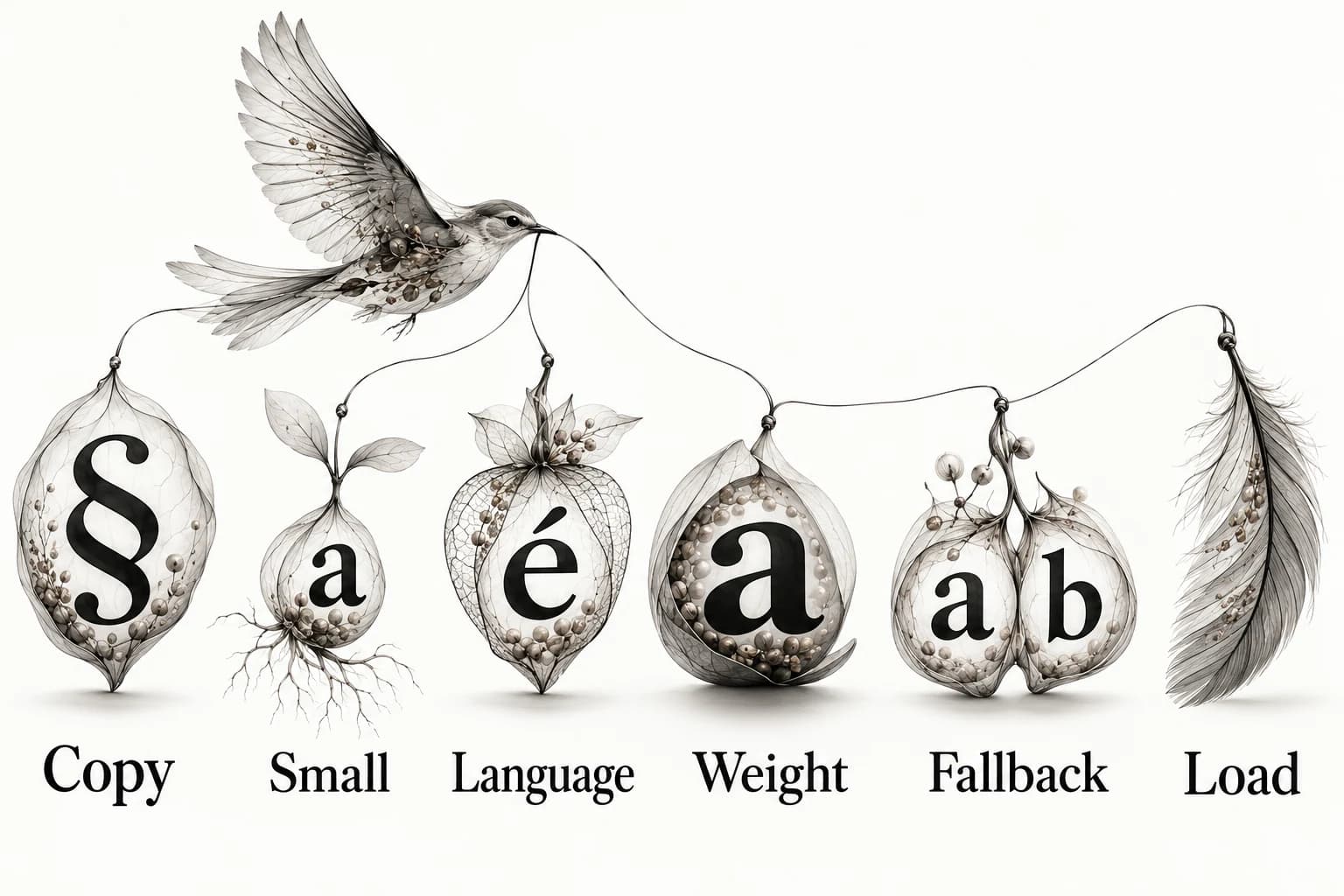
Record the family, source, roles, required weights, required languages, fallback stack and the specimens used for approval. Add why it fits and what would make you reconsider. Keep the rejected candidates and their failure notes nearby. This makes the choice recoverable when a new developer, translator or client joins the project.
For the repair website, a usable record could say: “Reading family selected for clear forms, compact service labels and available required characters. Use its stronger weight for headings; add no display family. Revisit if the content becomes long-form editorial or an additional script is required.” That is a design rationale, not a claim that a typeface will increase bookings.
If your source is a website reference, preserve its URL and the detail you learned rather than treating a screenshot as proof of the font name. Inspect the source where possible and distinguish identified facts from visual guesses. The reference annotation guide explains that separation.
Check the hierarchy on the page you will actually ship
Place the approved family into a complete page, including navigation, error text and a dense section. Check the relationship between heading, body and supporting text at narrow widths. Website typography hierarchy deals with those roles and spacing. Passing the font audition is a selection decision; the assembled page still needs its own review.
Keep the successful specimen and its source in your visual reference library. Explore Sesavu to see the current collection surface, and consult its documentation for current capture availability. Your font decision should remain readable in a simple document even when a tool changes.
Questions designers ask
What is the three-font rule?
It is a restraint heuristic, not a web standard. Assign a role to every family and remove any family whose job is already covered. One versatile family or a well-tested pair is often a useful starting point.
What are good fonts to use for a website?
Good candidates support the page’s reading tasks, required languages and implementation constraints. Start with an appropriate text family, compare it using real copy, and keep it only if the small text and fallback states work.
What font is most pleasing to the eye?
There is no single font that suits every audience, language and task. Compare candidates in the content and role you need rather than choosing a universal winner.
Sources checked
- Choosing Web Fonts: A Beginner’s Guide — Google Design
- Best practices for fonts — web.dev
- Sesavu documentation — Sesavu