
How to Create a Website Color Palette That Works
Create a website color palette by assigning roles and checking actual foreground-background pairs. Use a worked neutral palette and avoid the five-swatch trap.

Direct answer
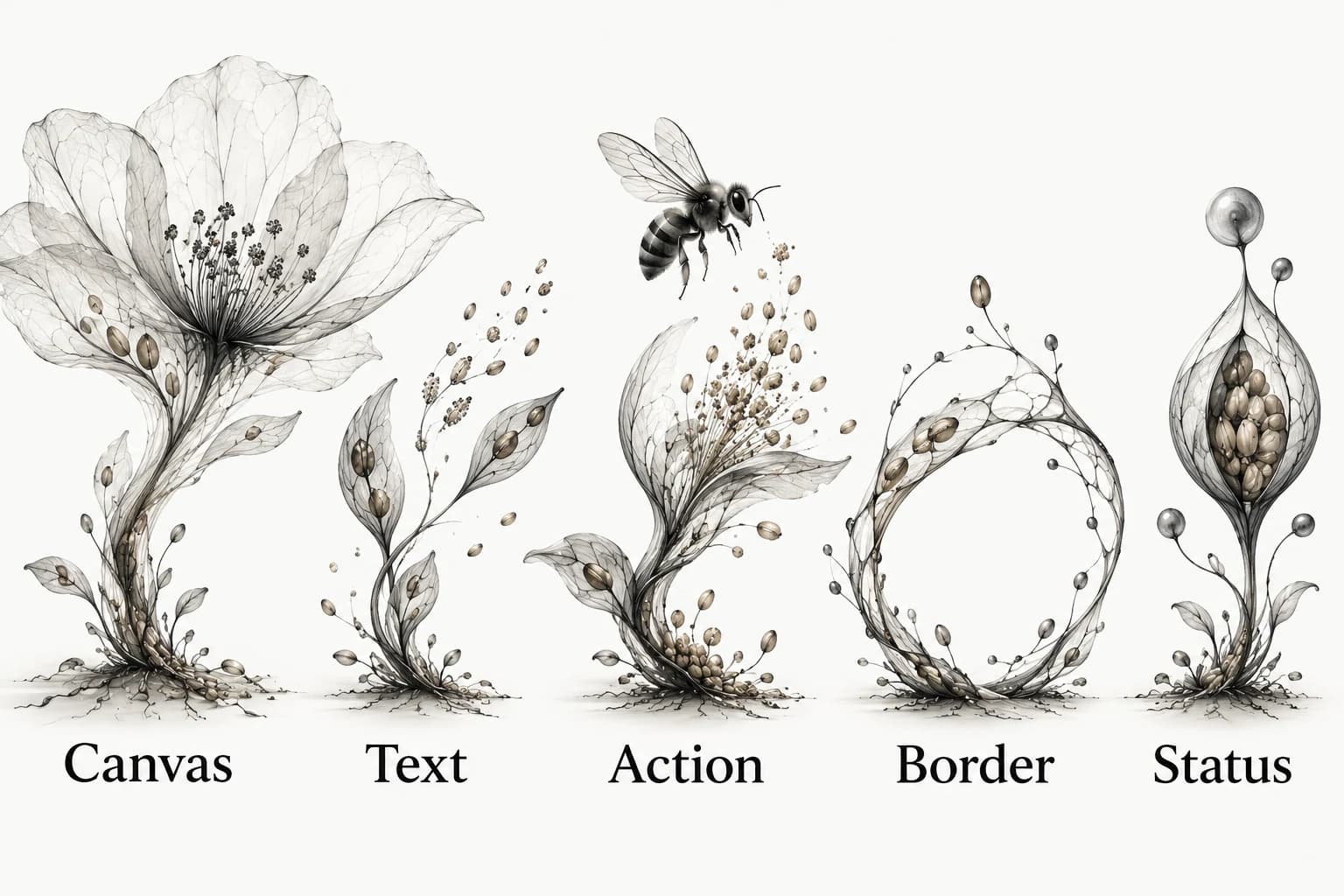
Create a website color palette by assigning colors to jobs before judging them as a set: canvas, text, action, border and status. Test each foreground against the background where it will appear, then add hover, focus and error treatments. A row of attractive swatches is a starting reference; a usable palette specifies how those colors work together.
Turn five attractive swatches into named roles
Start by naming what each color will do. Canvas is the page field; surface holds grouped content; text carries information; action identifies an interactive priority; border or another cue helps distinguish a boundary; status communicates a condition. A palette can reuse a color across roles, but the role names keep its purpose clear. Do not assign every available swatch equal space on a page.
Choose one reference for atmosphere and another for practical behavior. An image may suggest a warm neutral field, while a working form shows how a strong action differs from a quiet link. Record the useful relationship, not just the sampled hex value. A photograph’s colors were not chosen to make your labels readable on your page.
The illustrated role palette names Canvas, Text, Action, Border and Status. It is a map of responsibilities, not a recommendation to give each responsibility a different hue. A monochrome site can still distinguish those roles through contrast, shape, spacing and words.
A neutral palette with actual pair checks
For a worked starting set, use canvas #FAFAF8, body text #111113, action fill #0E0E10, action text #FFFFFF and supporting text #606065. Calculated using the WCAG relative-luminance contrast formula, body text on the canvas is about 18.0:1, white action text on the action fill about 19.3:1, and supporting text on the canvas about 6.0:1. These values describe those exact solid color pairs, not the rest of the interface.[1]
Now test the tempting softer gray #8A8A8F on the same canvas: its contrast is about 3.3:1, below the ordinary-text minimum of 4.5:1. Keep it out of ordinary small text in this example. A color that works as a quiet decorative detail may fail as a caption. The role assignment changes the acceptability of the same swatch.[1]
Write the pairs explicitly: body text on canvas; supporting text on canvas; action text on action fill; focus indicator against adjacent colors; meaningful boundary against its neighbor. If a card uses a different surface, calculate its pairs separately. Do not transfer a passing result from one background to another.
Know which contrast rule you are checking
WCAG Contrast (Minimum) specifies at least 4.5:1 for ordinary text and 3:1 for qualifying large text, with exceptions such as incidental text and logotypes. Large text is defined using size and weight, not whether a designer calls a role “heading”. Do not round a computed value upward to turn a failure into a pass.[1]
Non-Text Contrast addresses visual information needed to identify controls and states, and meaningful graphical objects, generally at 3:1 against adjacent colors, with specified exceptions. It does not mean every decorative hairline needs that ratio. Decide what the boundary or mark communicates before choosing the applicable check.[2]
Check the implementation as well as the palette sheet. Opacity, gradients, image backgrounds and overlays can change the effective contrast. A token named accessible-green is not evidence of a passing combination, and a contrast pass does not cover keyboard access, labels or the whole accessibility standard.
Make status understandable without color alone
Pair a status color with a clear word, icon shape or other perceivable cue. An error should explain what happened and what the person can do next; a selected item needs more than a subtle hue change. W3C’s Use of Color guidance requires that color not be the only visual means of conveying information, indicating an action, prompting a response or distinguishing a visual element.[3]
For the neutral palette, an invalid form field can have a distinct outline, an error symbol and a specific message such as “Enter an email address”. The message carries meaning when the palette is viewed in grayscale. Add a status hue only if it contributes to the system, and check its actual text and boundary pairings.
Do the same for charts and availability indicators. A label or pattern needs to distinguish the categories without asking the reader to recognize a particular hue. Keep those meanings consistent; do not use the same treatment for an error on one page and a successful action on another.
Use proportion rules as a composition aid
A proportion such as a dominant-supporting-accent split can help someone think about dominant, supporting and accent areas. It does not determine whether text is readable, controls are distinguishable or a status is understandable. Treat it as an optional composition sketch. On a content-heavy page, an insistence on filling a particular percentage with accent color may actively compete with the information.
Instead, review a representative page and ask which element should lead. Reserve the strongest treatment for that job, and let supporting content recede without making it unreadable. Website visual hierarchy explains this allocation of emphasis. A palette has done its job when it supports those priorities, not when each swatch appears the same number of times.

Add states and alternate themes deliberately
Specify rest, hover, focus, pressed and disabled treatments for the controls you actually have. Do not make hover the only clue that an element is interactive, and do not remove a visible focus treatment to keep a palette sheet tidy. Record which pair is checked in each meaningful state. A stronger fill may be enough for one state; another needs a shape or label change.
If you offer a dark theme, design and check its role pairs independently. Inverting every value can produce a different visual hierarchy and unreadable media overlays. Keep semantic intent stable while allowing the actual colors to change. Test the longest error text, a dense list and an image-heavy section in each theme rather than reviewing isolated swatches.
Store the decision as role → color → allowed pair → state → evidence. When you later extract design-token candidates from references, keep observed values separate from your chosen values. A sampled pixel is evidence about a source, not a final token for your product.
Keep references that explain the palette in use
Save examples that show a role doing its job: a quiet editorial surface, a clear action, a legible caption or a status with useful wording. Add a note describing the foreground, background and state. This makes the collection useful when a future collaborator asks why a color was chosen.
Use the visual reference library guide to preserve that context. Explore Sesavu for its current public collection surface and check the documentation before adopting a capture workflow. Keep the role record portable so the reasoning remains available in a plain document.
Questions designers ask
How to generate a color palette for a website?
Begin with the visual direction, then assign the candidate colors to canvas, text, action, border and status roles. Test the actual foreground-background pairs and add meaningful control states before approving the set.
What is the three-color rule for websites?
It is a simplifying composition heuristic, not an accessibility standard. A site may need several semantic colors and neutral tones; what matters is that each role is clear and the actual combinations work.
What is a good color palette for a website?
A good palette supports the content and makes text, actions and states understandable. Judge it on representative pages and real contrast pairs, not on swatches alone.