
Hero Section Design: Say What You Sell Before You Scroll
Design a hero section that explains the offer, earns trust and gives a clear next step. Use three copy examples plus image, mobile and loading checks.

Direct answer
Useful hero section design tells the visitor what is offered, why it matters to them and what to do next. Build it around a specific promise, relevant proof and one leading action. Use an image when it explains or demonstrates the offer; let the next section carry detail that is not needed for the first decision.
Give the first screen a specific job
The hero section is the first major content region of a page. Its job depends on where the visitor came from and what they need to decide. Someone arriving from a specific service search needs to confirm the offer and coverage; someone following a brand recommendation may be evaluating fit. Start with that decision rather than a universal rule about how much should fit above a fold.
Write the offer in plain language before designing its treatment. “Website support for independent shops” tells a reader more than “Make your next move”. You can add character through the surrounding voice and art without hiding the subject. If the sentence cannot name what is offered, another animation or larger headline will not resolve the ambiguity.
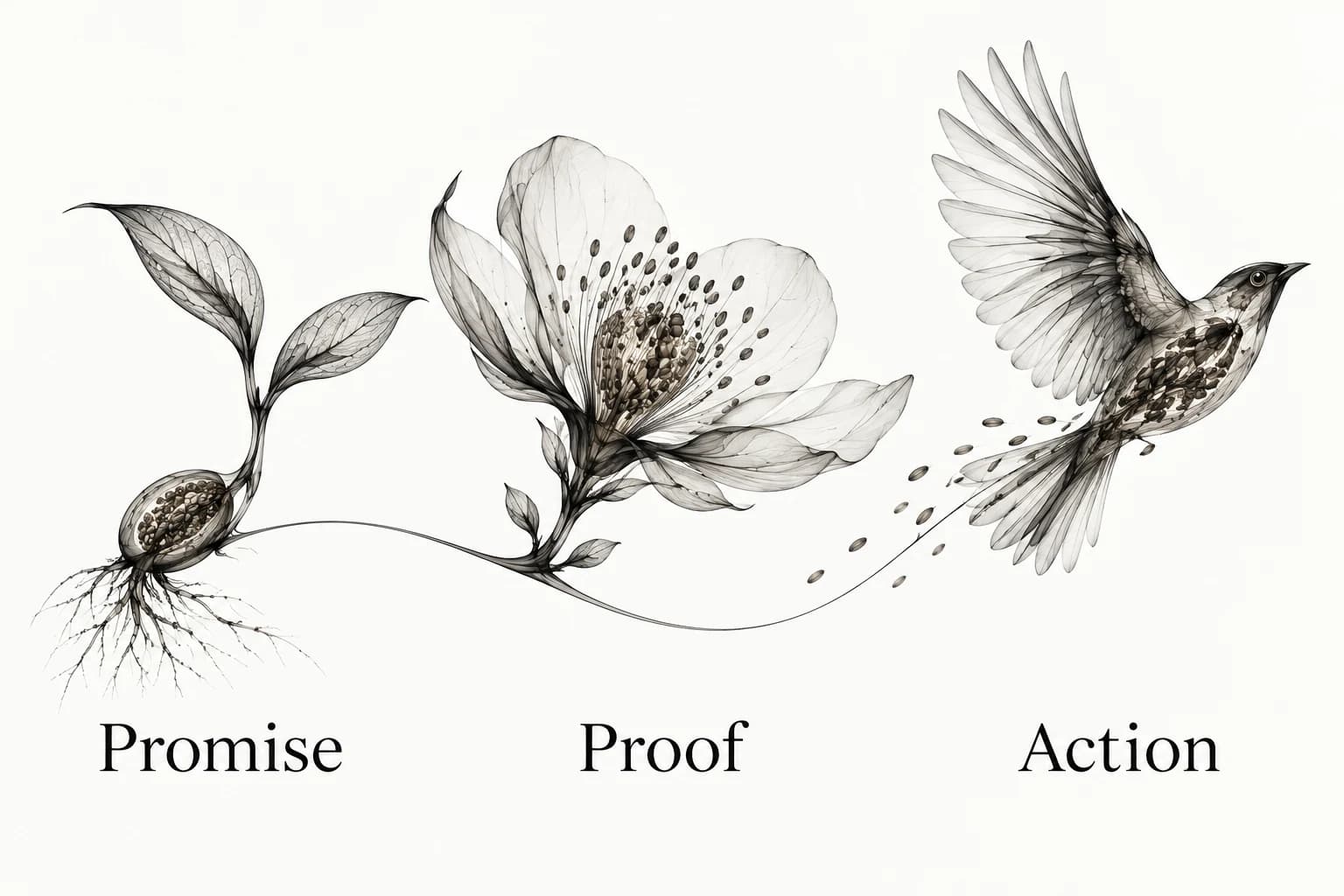
Use promise, proof and action as a working contract
Promise: what the visitor can get and who it is for. Proof: the specific evidence that makes the promise credible. Action: the next step, with enough context to understand its consequence. This is a suggested composition method, not a rule that every page needs a testimonial, a logo strip or a signup form.
Keep proof close to the claim it supports. If you have a genuine example of the work, show it with enough context to understand its relevance. If you do not have a review or a measured result, do not invent one to complete the composition. Explain the process or demonstrate the actual product instead. Honest specificity is stronger than a decorative statistic with no source.
Use one leading action for the current decision. A secondary action can help someone who needs more detail, but it should have a distinct role. “Start a project” and “View the work” support different readiness levels; two differently worded buttons that lead to the same form create unnecessary interpretation.
Three hero copy examples for different buying journeys
Service website: “Book repairs for the things you want to keep.” Supporting copy names the actual repair categories and service area. The action is “Check repair options”, with an explanation that the next step is to choose a category. Proof could be a real before-and-after job with permission and clear context. Use only categories and evidence the business can support.
Software website: “Keep project feedback beside the work.” Supporting copy explains the specific workflow and the action opens the actual supported entry point. A real product demonstration can show how a comment is attached to an item. If the product is a preview, the action and explanation should say so; a demonstration cannot imply that unavailable saving or billing is live.
Specialist consultancy: “Plan a clearer route through your onboarding.” Supporting copy identifies the audience and the scope of the engagement. The action is “See the review process” or another real next step. Proof may be a permitted, accurately described case example. Avoid a promised percentage improvement unless a valid source and the claim’s limits can be shown.
These are writing examples, not descriptions of actual businesses or outcomes. Adapt the nouns and next step to your real offer. The test is whether the visitor can say what the page offers and what will happen after choosing the action.
Choose the image by the question it answers
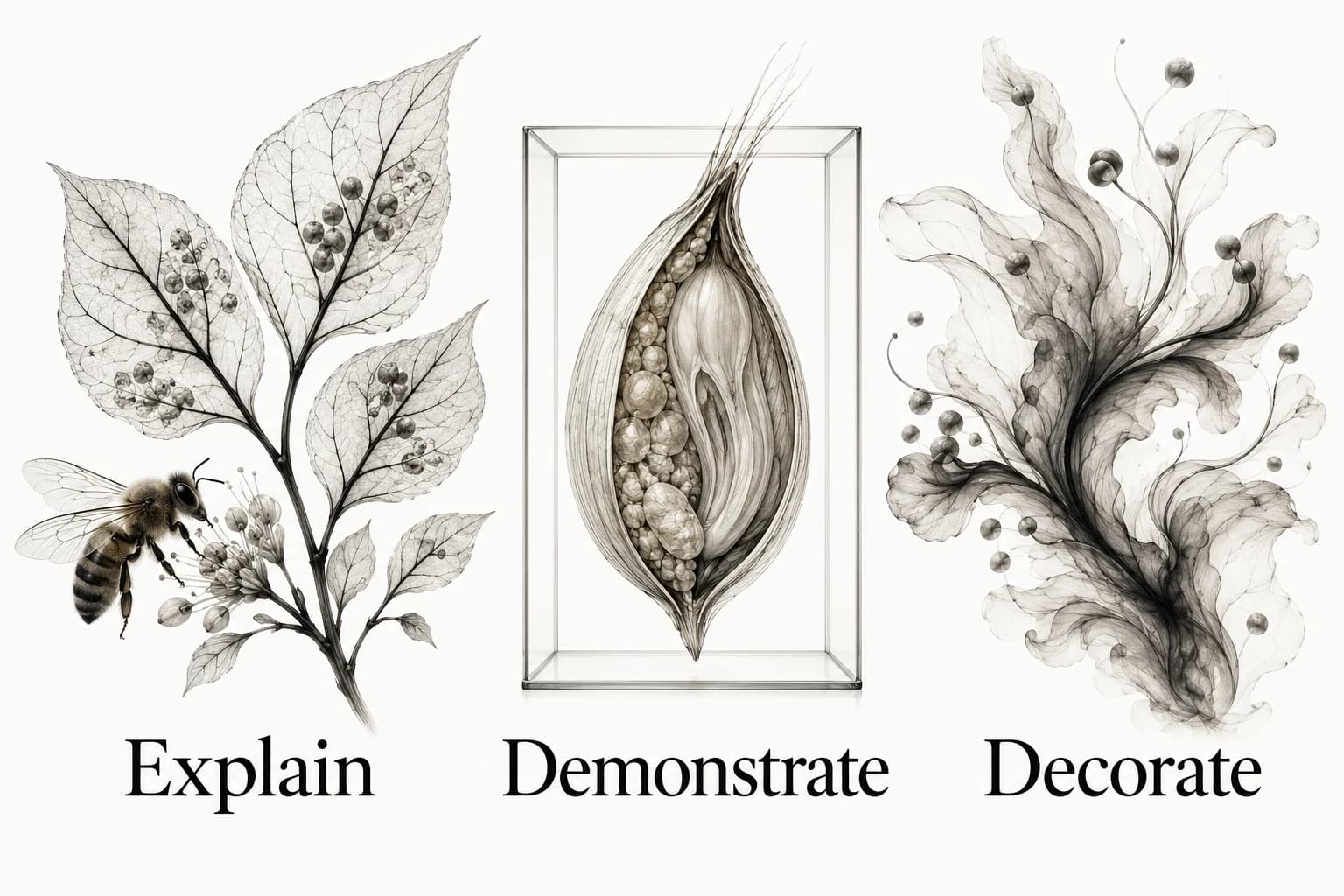
Ask whether the image explains, demonstrates or decorates. An explanatory illustration can make a process legible. A real product screen can demonstrate a capability. Decorative art can establish a visual world while leaving the explanation to text. Choose deliberately; a conceptual illustration should not impersonate a working product screen.
For a product demonstration, use a current real screenshot or recording with the necessary context. For a service, show the actual work or use clearly illustrative art. Keep essential words and facts in the page text. W3C’s image guidance distinguishes informative, decorative and functional images and calls for an equivalent explanation of complex visual information.[1]
Inspect the crop at the intended widths. A wide photograph may lose the meaningful part when narrowed; an illustration may collide with the headline if positioned independently. Give the image a territory and an explanatory role rather than filling whatever empty space remains after the copy is placed.
Make the mobile order deliberate
On a narrow screen, preserve the offer, the useful qualification and the next step in a sensible reading order. Decide whether the image belongs before or after the supporting sentence. Do not automatically put a tall decorative image first because the desktop layout happened to place it on the left.
Use the longest realistic headline and action label. Check whether navigation, a banner or a fixed consent control changes the available space. A person should be able to reach important content through ordinary scrolling; avoid treating one device’s fold as a universal boundary. Document the behavior you observe at the relevant widths.
Review the hero as part of the page’s visual hierarchy. If an announcement or background motion attracts more attention than the offer, quiet it or explain why it deserves priority. The visual hierarchy guide helps allocate that emphasis across the complete page.
Check what loads before the hero looks finished
Inspect the page while images and fonts are still arriving. Reserve the space the media needs and check that the action remains understandable if decoration fails. A beautiful fully loaded screenshot does not show whether the first useful text was delayed or the layout shifted during loading.
web.dev’s Fetch Priority guidance explains how fetchpriority can help signal the importance of an image, including a likely Largest Contentful Paint image. It also cautions that priority is a hint and should be used selectively. Confirm which resource actually matters on your page rather than adding high priority to every hero asset.[2]
If the hero uses a custom font, check its fallback and loading strategy with the real headline. Use the website-font selection guide for that test. For motion, provide an appropriate reduced-motion presentation and ensure the offer and action remain available without waiting for a sequence to finish.
Ask for comprehension before asking for preference
Show the page without narrating it and ask: what is offered, who is it for, what makes it relevant, and what would happen after the main action? Record the answers in the person’s words. If they cannot explain the offer, revise the promise and supporting copy before debating small visual details. A quick check can expose confusion; it does not establish conversion performance.
Keep the version, question and observation with the reference that inspired the change. A structured design critique can help the team distinguish an observed ambiguity from a predicted business outcome. When comparing competitor heroes, study the job each element performs rather than collecting fashionable layouts.
Use the visual reference library guide to preserve that reasoning. Explore Sesavu for the current public collection surface and consult the documentation for current availability. Your hero’s promise should remain true when someone follows its action, regardless of which tool you use to plan it.
Questions designers ask
Does a hero section need an image?
No. Use an image when it explains the offer, demonstrates the product or contributes a deliberate visual direction. Clear copy and an understandable next step can carry a hero without decorative media.
Should every hero fill the entire screen?
No. Choose the height around the content, reading order and context. A full-height composition can delay useful information; a shorter hero can let the next section answer the visitor’s next question sooner.
Sources checked
- An alt Decision Tree — W3C
- Optimize resource loading with the Fetch Priority API — web.dev
- Sesavu documentation — Sesavu