
Design Handoff Checklist: What Developers Need to Ship
Use a design handoff checklist that ties flows, states, assets and responsive rules to an owner and a check. Includes an upload example and developer playback.

Direct answer
A design handoff checklist is complete when a developer can explain the intended task, implement its rules and verify the result without guessing. Include the current design version, flows and recovery states, responsive behavior, content and assets, accessibility expectations, ownership and acceptance checks. Confirm the package through a short designer-developer playback rather than a file-delivery receipt.
Make readiness observable
A ready handoff lets an engineer answer three questions: what is the person trying to do, what should happen under the relevant conditions, and how will we know the implementation matches the intent? A polished file can leave all three unanswered. Start with a bounded task and a current version, then supply the evidence needed to build and check it.
Figma’s Dev Mode documentation describes inspection, assets, annotations, links and handoff statuses. Those facilities can help carry the package, but a “ready” status is a coordination signal, not proof that the behavior is complete. Agree on what your team means by readiness and keep that meaning beside the checklist.[1]
The checklist: intent, rules and proof
Use the following checks for one feature or flow. Each item needs a location the developer can open, a person who can resolve ambiguity and a way to check the result. Mark a genuinely unresolved decision as open instead of attaching a screen that implies it has been settled. This keeps the handoff usable even while work continues.
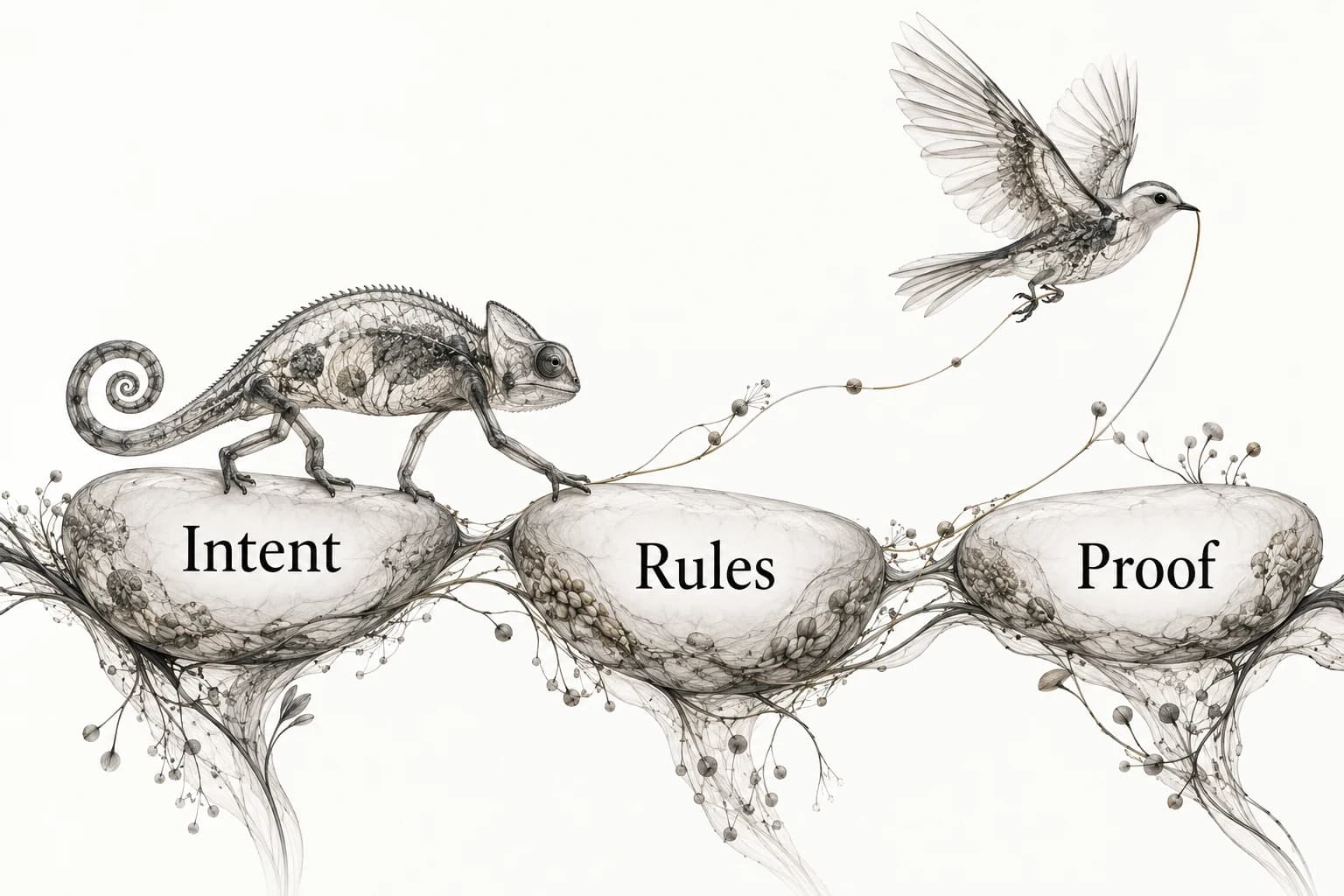
The three layers are Intent, Rules and Proof. Intent explains the user’s objective and the design reason. Rules describe the conditions and responses. Proof is the agreed observation or test that demonstrates the built behavior. A reference screenshot can support intent; it rarely supplies the complete rule set or final proof.
- Scope and version: task, entry point, completion condition and stable design link.
- Flow: primary path, alternate path, cancellation and return behavior.
- States: loading, empty, success, error and recovery where relevant.
- Layout: content priority, wrapping and observed breakpoint behavior.
- Content: final labels, long values, localization needs and meaningful messages.
- Assets: source files, required formats, ownership and permitted use.
- Accessibility: semantics, focus behavior, labels and the relevant checks.
- Acceptance: expected outcomes, owner, review route and unresolved decisions.
Hand over rules that static screens leave ambiguous
Specify what triggers each state, what persists and what the person can do next. An error screen without a recovery action leaves an implementation decision open. A success toast does not establish that data was saved. State whether the receipt reflects a local queue, a completed server operation or another condition, and describe what happens when the next operation fails.
For responsive behavior, describe the rule rather than exporting several unexplained widths. Does a side panel become an inline section, a drawer or another route? Which information stays visible? Does a long label wrap or truncate, and can the full value still be reached? Link the responsive behavior guide for a method of collecting that evidence.
Keep motion instructions equally concrete: trigger, sequence, completion, interruption and reduced-motion alternative. The UI motion reference guide helps preserve observed behavior without guessing timing from a still image. Only specify motion that serves the task; the handoff should not force the engineer to infer an animation from an attractive frame.
A worked image-upload handoff
Task: add one supported image to an existing collection. Entry: collection detail. Completion: the server returns the created reference and the item appears in that collection. The handoff links the design version, the upload contract and a state record. If the system only queues a local operation, its receipt should describe that local state instead of the server completion.
Rules: show the selected file before submission; explain unsupported types; show progress while delivery is active; prevent accidental duplicate submission; preserve the selected file when a retry is possible; distinguish a failed request from a successful request whose collection view has not refreshed. Cancellation behavior is specified separately because closing the panel may not cancel a server operation.
Acceptance: submit a supported image, try an unsupported file, interrupt delivery, retry after failure and revisit the collection. Record which outcomes were actually observed. Designer owns the interaction wording; engineer owns the delivery implementation; both review the built sequence. The example defines a package, not a claim about a particular tool’s upload capability.
Include accessibility decisions at the point of use
Describe the accessible name, semantic role, reading order and focus behavior of the controls involved in the task. State where focus goes after opening and closing a dialog, after an error and after completion. Link the appropriate implementation guidance and acceptance test. “Make it accessible” does not tell a developer which design decisions are intended.
For images, W3C’s alt decision tree distinguishes decorative, informative and functional uses, and directs complex information to an equivalent explanation elsewhere. Identify the role of each supplied image so the implementation does not treat an instructional diagram like decoration or repeat a visible label unnecessarily.[2]
Use the UI state reference checklist to record failures and recovery alongside their triggers. A screenshot records appearance; keyboard, screen-reader and behavior checks need their own evidence. Keep the distinction visible in the acceptance list so a visual match does not accidentally close an untested interaction requirement.
Run a developer playback before implementation starts
Ask the developer to walk through the task in their own words using the package. Avoid narrating every screen for them. Where they have to guess, add the missing rule or make a decision together. Ask what happens with long content, slow delivery, missing data and a user who returns later. The purpose is to expose ambiguity while it is still cheap to explain.
Check access from the developer’s account or environment. A correct link that the recipient cannot open is a blocked handoff. Confirm assets, fonts and supporting documents are available through the agreed workflow. Keep a short list of unresolved items with owners; do not bury an implementation blocker in a general comment thread.
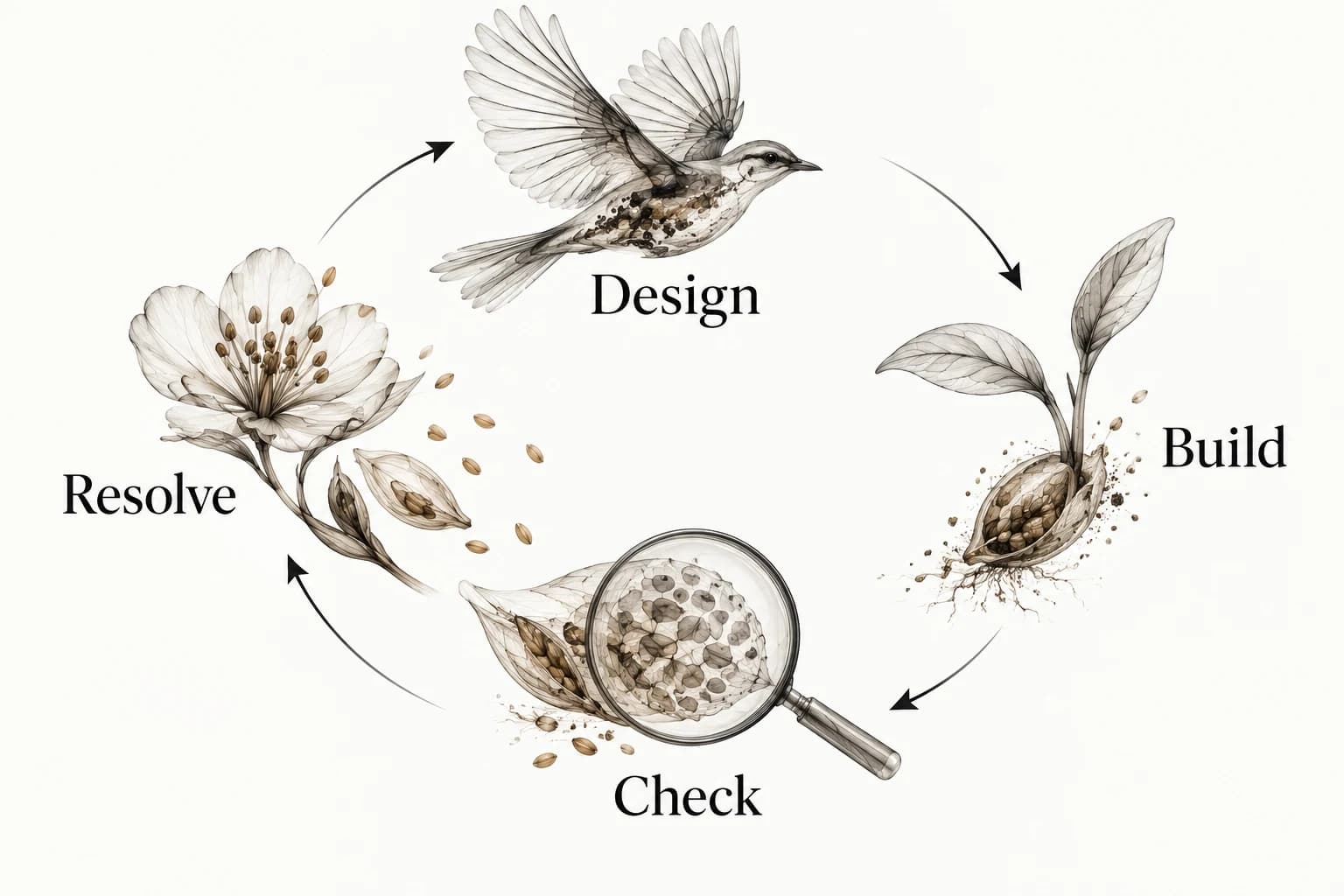
After the build, repeat the task against the same acceptance list. The Design → Build → Check → Resolve loop in the figure is deliberately closed: when a mismatch is found, resolve it and recheck the affected condition. A screenshot approval covers the visible state inspected, not every path through the feature.
Keep changes and rationale connected
When a design changes, identify the version, affected rule and expected implementation impact. Distinguish a visual correction from a new behavior or contract change. Link consequential choices to a design decision log so engineers can see why a rule exists and when it may be reconsidered.
Keep reference examples next to the rule they support, with source and rationale intact. Explore Sesavu for the current public collection surface and read its documentation for current capability status. A plain shared document can carry the same handoff structure; the acceptance conversation is what makes it actionable.
Questions designers ask
Is a Figma link enough for design handoff?
Only if the linked work also makes the task, rules, states, assets and acceptance criteria clear and accessible to the developer. A file link by itself does not resolve implementation questions.
Who owns design handoff?
Designers and developers share the transfer of intent and the review of the built task. Assign individual owners to open decisions and implementation work so shared responsibility does not leave gaps.
Sources checked
- Guide to Dev Mode — Figma
- An alt Decision Tree — W3C
- Sesavu documentation — Sesavu