
Design Decision Log: Stop Reopening the Same Debate
Keep a design decision log with context, alternatives, evidence and a clear reopen condition. Copy the record structure and follow a completed checkout example.

Direct answer
A design decision log records what a team chose, why it chose it, what alternatives it rejected and what would justify revisiting the choice. Use one short record per consequential decision and link it to the relevant design version and evidence. Keep accepted records intact when the decision changes; add a replacement and mark the older record superseded.
Record decisions that another person might reasonably question
A design decision deserves a record when it creates a meaningful tradeoff, crosses team boundaries, constrains future work or is likely to be reopened. Changing a caption’s punctuation rarely needs one. Choosing when checkout reveals shipping cost, how search handles no results or which audience a homepage prioritizes often does. The test is whether the reason will still matter when the meeting is forgotten.
The Architectural Decision Records project describes a record as a single decision and its rationale, including tradeoffs and consequences, and explicitly notes that the method can extend beyond architecture. Adapt that structure to design rather than borrowing technical ceremony. A short readable note beside the work is more useful than an elaborate register nobody maintains.[1]
Lucid Meetings’ decision-log definition includes what was decided, the rationale, alternatives and the people involved. Those fields make a useful minimum record before adding links and a reopen condition.[3]
Copy this design decision record
Use the following fields as a compact record. The short summary should state a choice a reader can disagree with; “improve onboarding” is a goal, not a decision. Link the evidence rather than reproducing a research repository inside the note. Include an owner so someone can resolve an ambiguity later.
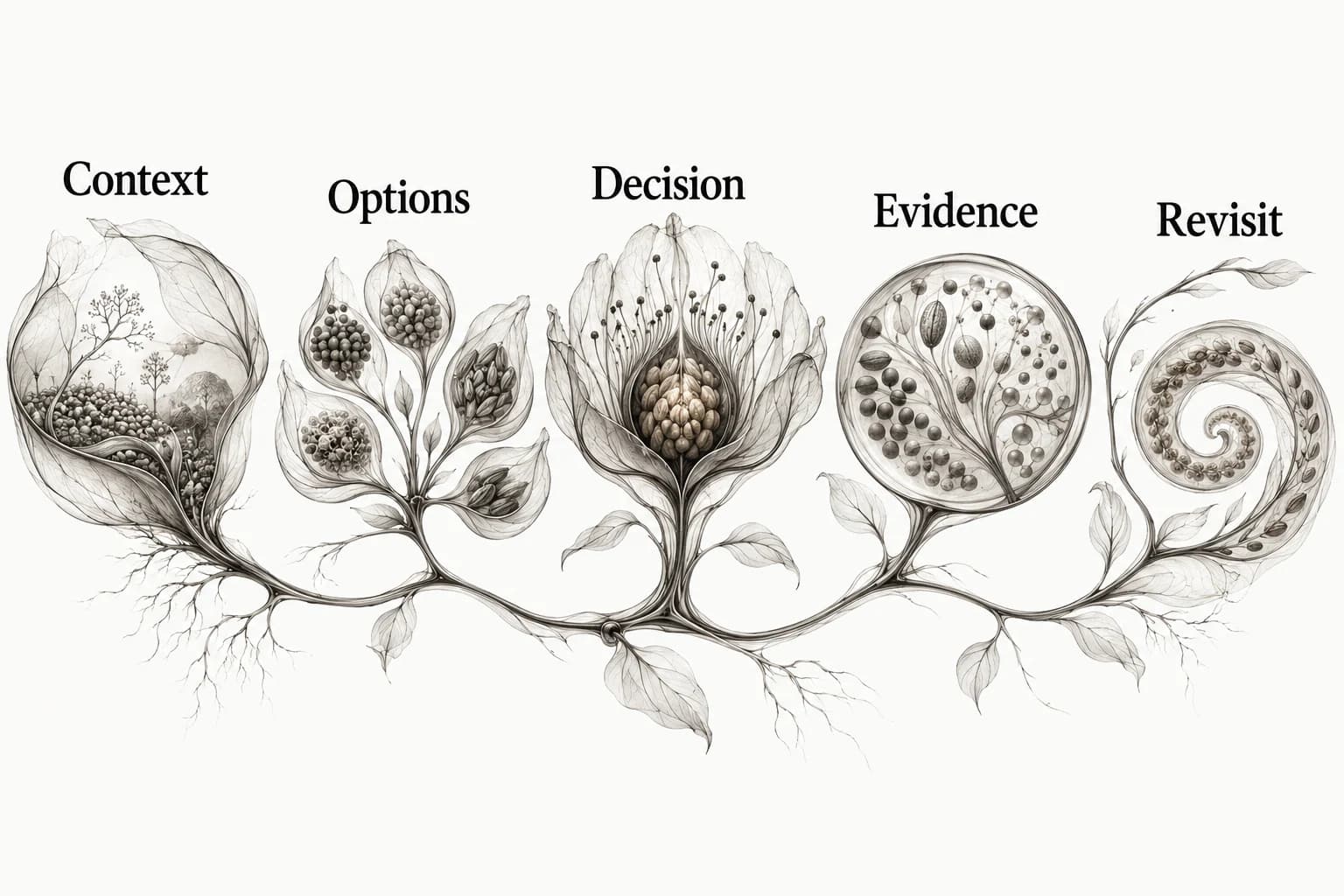
Use Context → Options → Decision → Evidence → Revisit as the reading order. Context explains the pressure behind the choice. Options preserve the tradeoff. Decision names the selected path. Evidence distinguishes what is known from what is assumed. Revisit identifies the change that could make a different option better.
- ID and title: a stable name for one consequential choice.
- Status and date: proposed, accepted or superseded; when it changed.
- Context: user task, problem, constraints and scope.
- Options: realistic alternatives, including keeping the current approach.
- Decision and owner: selected option, authority and affected version.
- Rationale and evidence: why this option fits, with source links and limitations.
- Consequences: benefits, costs, follow-up work and unresolved risk.
- Reopen condition: new evidence or changed constraints that merit another decision.
- Related records: predecessor, replacement and implementation links.
A completed checkout record
Decision D-A: explain delivery cost before requesting payment details. Status: accepted for the next checkout iteration. Context: delivery cost depends on address, while the early checkout screen currently says only “delivery available”. Options: leave the sequence unchanged, show a fixed fee, or explain the calculation and reveal the actual fee after the address is known.
Selected option: explain the calculation early and show the actual amount after the address step. Rationale: a fixed amount would be inaccurate for some destinations; silence leaves the person without an explanation. Constraint: the shipping service requires address information. Assumption: an early explanation will reduce uncertainty. Evidence needed: inspect comprehension during the complete checkout task.
Owner: the checkout product owner. Consequences: new copy, a loading state during calculation and a recoverable failure message. Reopen when shipping rules change or a task-based check shows that the explanation is misunderstood. This is a worked record, not a report that a particular business tested the change or improved its conversion rate.
Label the evidence by what it can establish
Separate observations, constraints, research findings and assumptions. An observed screen can establish that a fee appears after an address field. A service contract can establish which data a calculation requires. A research finding needs its method and context. An assumption predicts how people will respond. Combining those into “users need this” hides the strength and limits of the reasoning.
Keep the source URL, relevant version or capture date, and the exact point that supports the decision. A screenshot of another site can illustrate an alternative; it does not establish that the alternative performs better. If you borrow an idea from a reference, use the annotation guide to distinguish what the source shows from your interpretation.
Do not fill an evidence gap with confident language. Write the assumption plainly and give it a next step. A record can support an informed decision under uncertainty without pretending that every uncertainty has been resolved. That distinction becomes especially useful when a new teammate challenges the choice months later.
Write reopen conditions before the next argument
A useful reopen condition is observable: a required language changes, the pricing model gains a new constraint, the implementation cannot meet the agreed behavior, or a relevant usability check reveals a problem. “When someone dislikes it” is too broad; “never” is too rigid. The condition should explain why new information could change the tradeoff.
When a request to revisit arrives, compare it to the record. If the concern is already captured and nothing has changed, explain the existing tradeoff. If a new constraint or stronger evidence appears, open a new proposed record. This lets the team change its mind without pretending that the earlier reasoning was careless.
Keep the action proportional. A visual-direction choice may need a new specimen. A critical recovery flow may need implementation work and a task check. A wording adjustment may require only a documented edit. The log is a memory aid for judgement, not a rule that every small change needs a meeting.

Preserve the old record when a decision changes
Use Proposed for a choice still being considered, Accepted for the current decision and Superseded for a decision replaced by another record. Keep the old rationale readable and point to the replacement. The lifecycle illustration uses those three labels so status can be understood at a glance. You can add other states if your team needs them, but define what each one means.
Suppose the checkout later gets a region selector that allows an accurate estimate before address entry. The constraint has changed. Create D-B for the new approach, explain the new capability and mark D-A superseded by D-B. Do not edit D-A to make it look as though the team always planned the new behavior.
If a record contains a factual error, correct it visibly and preserve the correction history. Superseding a decision and correcting a mistaken fact are different actions. A useful log lets future readers understand both the decision at the time and the information available to the team.
Connect the log to briefs, critiques and implementation
A brief states the intended direction before work; a critique tests work against a question; a decision log preserves a choice and its rationale; a handoff specifies what to implement and how to check it. Link them rather than duplicating every paragraph. The log should point to the chosen specimen and the acceptance evidence that eventually confirms the implementation.
Use the design critique guide to reach a decision and the design handoff checklist to carry it into a build. Keep a visual reference library for source examples, with the decision note beside the detail that mattered. Explore Sesavu for its current collection surface and check the product documentation for available workflows.
Questions designers ask
How is a design decision log different from meeting notes?
Meeting notes describe a conversation. A decision record isolates a specific choice, the alternatives and rationale, and the condition that could change it. Link the discussion when useful, but make the decision understandable without replaying the meeting.
Where should the design decision log live?
Put it where the team already reads and maintains project decisions, with stable links to designs and implementation work. A shared document, repository or design-file note can work if people can find the current decision and its history.
Sources checked
- Architectural Decision Records: motivation and definitions — ADR project
- Sesavu documentation — Sesavu
- What is a Decision Log? — Lucid Meetings