
How to Turn Visual References Into a Design Brief
Convert a pile of visual references into a focused design brief with sourced principles, constraints, decisions, and explicit unknowns.
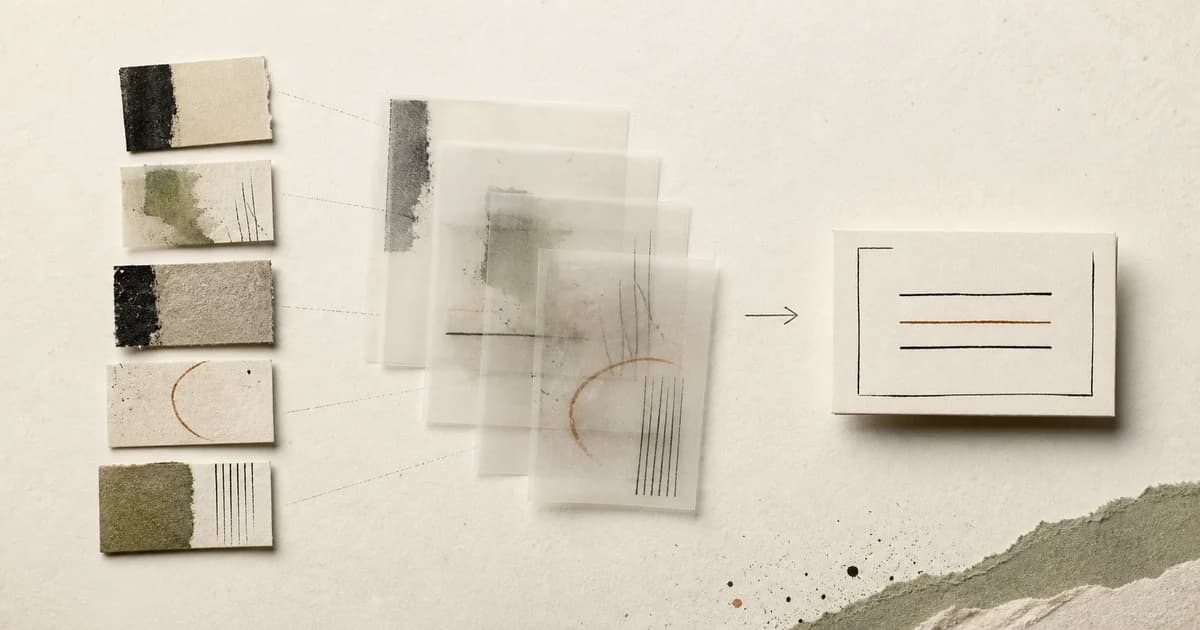
Direct answer
Turn references into a design brief by grouping them around decisions, writing the principle each group supports, and linking every claim back to its source. Separate observations from instructions, add constraints and anti-examples, and mark disagreements or unknowns instead of smoothing them into vague aesthetic language.
A brief is a decision document, not a collage caption
Creative-brief guides commonly include the project background, audience, objectives, deliverables, schedule, and constraints. Visual references can sharpen several of those fields, but they cannot supply missing business truth. Use them to demonstrate a direction, not to invent the audience or goal.[1][2]
Begin by removing references that are merely attractive. For each remaining item, write an observation that another person could verify: ‘headlines use a compressed scale and wide surrounding space’. Then write the proposed instruction: ‘reserve display type for section openings and keep the body measure narrow’. The first sentence is evidence; the second is a decision.
Build the brief in five passes
First, state the user, problem, and required outcome from project evidence. Second, group references by the decision they inform. Third, write one principle for each group. Fourth, add constraints, accessibility requirements, content realities, and anti-goals. Fifth, link each visual principle to the exact reference that supports it.
- Context: who the work serves and what must change.
- Deliverable: the artifact and the environment it must work in.
- Principles: three to five sourced visual decisions.
- Constraints: brand, content, accessibility, technical, time, and budget limits.
- Anti-goals: tempting directions the project deliberately rejects.
- Unknowns: unresolved questions with an owner or validation step.
Make disagreement visible
References often conflict. One may support dense editorial rhythm while another supports generous product calm. Do not average them into ‘clean but expressive’. Name where each principle applies, choose a priority, or record a question to prototype. A useful brief narrows choices; vague adjectives multiply them.
End with a source manifest: title, URL, creator or publisher, capture date, and the claim each reference supports. The evidence-linked brief remains a non-production Preview while its release evidence is reverified. The manual method in this article is usable today.[3]
Questions designers ask
How many visual references belong in a design brief?
Use the smallest set that supports distinct decisions—often three to seven. More references help only when each adds non-duplicative evidence.
Can AI generate a design brief from images?
It can help summarize supplied material, but project goals, constraints, permissions, and final decisions still need verified human input. Keep every generated claim traceable to evidence.
Sources checked
- How to write an inspiring creative brief — Milanote
- AI design brief generator — Figma
- Sesavu documentation — Sesavu